
How to get more Google reviews from real customers
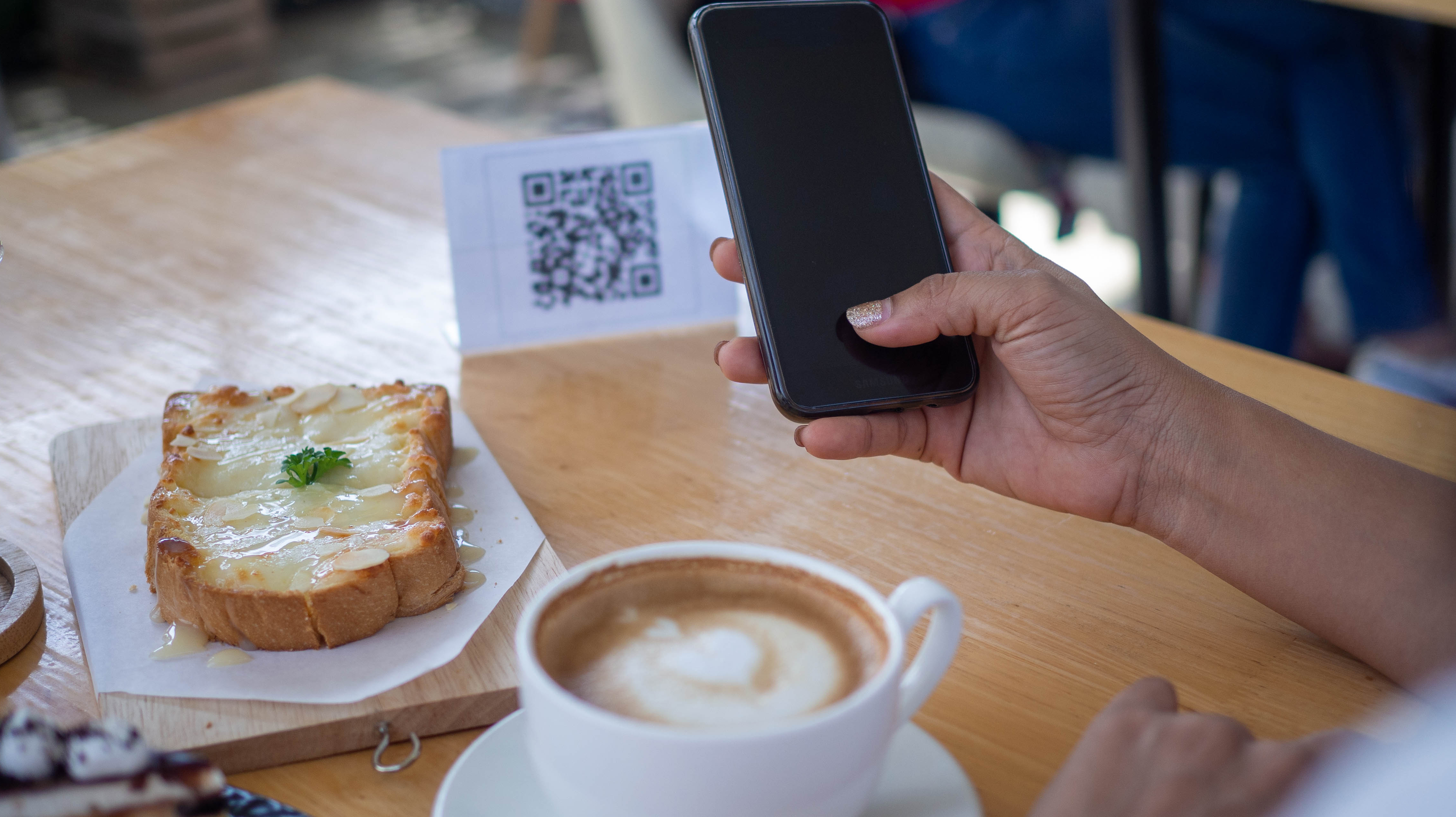
Satisfied customers rarely leave reviews on their own. Ask actively through a combination of QR code at table, SMS post-visit, and verbal request at the right moment. Conversion rates reach 15-25% if timing is right.
- Very satisfied customers rarely leave reviews without an explicit trigger. Ask actively, without hesitation, but without insistence.
- QR code at the table or check-out is the most efficient method for physical businesses. 15-25% conversion with QR vs 2-5% with email.
- Send the review link 24-48h post-visit, not immediately. The customer has time to form a clear opinion.
- Verbal request from an employee works best after the customer spontaneously expresses satisfaction.
- Never offer discount or gift for a review. It violates Google policy and can suspend the profile.
- Vary timing between customers. All reviews from a single day can trigger Google's anti-spam filter.
The biggest mistake local businesses make is waiting passively for reviews. "Happy customers will leave reviews on their own," many owners say. The reality is different.
Customers who leave reviews on their own initiative are mostly the unsatisfied ones, motivated by frustration. The happy ones leave happy and continue with their lives, without thinking about a review.
If you want to grow your number of positive reviews, you have to ask actively. But how? Without being pushy, without violating Google policies, without bothering customers.
This article walks through 5 validated methods, with concrete templates and realistic numbers about what to expect from each.
Why your current method isn't working
Before applying new methods, think about what you've tried already. The most common approaches that fail:
- Discreet sticker at the entrance — invisible to 95% of customers. Their attention is elsewhere.
- "Please leave a review" on the website — the customer isn't on the website after the visit.
- Email a week later with newsletter — buried among other messages, deleted without reading.
- Passive waiting — under 1% of satisfied customers leave a review without a trigger.
None of these work because they don't catch the customer in the right psychological moment. We'll correct that.
Method 1: QR code at table, reception, or check-out
For physical businesses, the QR code directly to the review form is the most powerful method available in 2026. Conversion is between 15% and 25% if positioned well.
How to generate it
- Go to Business Profile Manager → "Get more reviews" section
- Copy the direct link (
g.page/r/[id]/review) - Generate QR code with a free tool (qr-code-generator.com or similar)
- Download the QR as transparent PNG, minimum dimensions 300×300px
Where to put it
- Restaurant: table card, next to the receipt, on the menu at the end
- Beauty salon: card at check-out with message "We want your feedback"
- Clinic / office: card at reception after consultation
- Hotel: card in room at check-in or at reception at check-out
- Store: small sticker at the cash register
Text to put next to the QR
Short, no fluff:
Did you enjoy your experience? Leave us a Google review. Scan with your phone. 30 seconds.
Or, more personal for small businesses:
We're a local business and every review counts enormously. Thanks for the support.
Mistakes to avoid
- Small QR code (under 200×200px) — hard to scan
- Text "LEAVE US 5 STARS" — Google policy violation
- QR hidden behind the counter — invisible
- Using QR generators that add tracking or suspicious redirects
Method 2: Direct SMS at 24-48h post-visit
SMS has the advantage of 95%+ open rate (vs 20-30% email). But it's more personal, so it needs attention to tone.
When to send
24-48h after the visit. If you send immediately, the customer is still in "experience mode" and hasn't processed. At a week, they've forgotten the details.
Template that works
Hi [Name], thanks for stopping by [Business Name] on [day/date]. If you have 30 seconds, a Google review would help us a lot: [link] Thanks a lot.
Note: don't add "please" or "kindly." These are formal phrases that make the SMS sound corporate. Direct, friendly language.
Realistic numbers
- SMS open rate: 95%+
- Click-through on link: 15-30%
- Click → published review conversion: 60-80%
- Total conversion: 10-25%
That means from 100 SMS sent, expect 10-25 new reviews. If your numbers are below 10%, something is wrong with timing, message, or customer list.
Method 3: Automated follow-up email
Less efficient than SMS, but at scale you can send thousands without additional cost.
Setup
If you have a booking system (Cliniko, Resy, Booking, or any CRM), most offer automated email post-visit. You set:
- Trigger: 24-48h after appointment ended
- Subject: short, personal ("Thanks for your visit, [Name]")
- Body: see template below
Email template
Hi [Name],
Thanks for coming to [Business Name] on [date].
If it was a good experience, a short Google review would help us enormously. We need feedback from real customers to grow.
Here's the direct link: [link]
Thanks a lot, [Your name or manager's name]
Email mistakes to avoid
- HTML with photos and big buttons → looks commercial, less personal
- Subject "URGENT" or "Gift for you" → spam
- Mass send to 5000 emails in one day → trigger Google filter
- Email with 20 links (newsletter + review + others) → distracts attention
Method 4: Direct verbal request, but timed right
The most powerful psychological moment: when the customer spontaneously tells you "it was very good."
Your response (or your employee's) should be:
I'm glad it was good. If you have 30 seconds and a Google account, it helps us a lot if you leave a review.
Direct, no embarrassment, no "if you don't mind." Nearly 50% of customers who express satisfaction spontaneously will leave a review if asked immediately.
What NOT to do
- Don't ask every customer as routine — becomes fake and creates bad reviews
- Don't ask when the customer is neutral or unsatisfied — risk of bad review increases
- Don't insist if the customer hesitates — a verbal "maybe" becomes review nowhere, or even negative
How to train employees
15-minute session with the team:
- Explain why reviews matter (direct impact on sales)
- Demonstrate with a real example
- Short role-play with each employee
- Establish that it's NOT mandatory, but motivate with monthly results
Method 5: Physical card at receipt
Works particularly well for businesses with prolonged physical interaction (restaurant, hotel, clinic).
Card format
- Size: standard business card
- One side: large QR code + short text
- Other side: business contact + return invitation
Placement
- Restaurant: together with the receipt or on the saucer with the bill
- Hotel: at check-out, in the envelope with the invoice
- Clinic: at check-out, together with prescription or recommendation
Estimated cost
Print 1000 cards at a local print shop: $30-50. If you get 50-100 additional reviews monthly, ROI is immediate.
Combined strategy: what works best
No single method is sufficient. The most efficient strategy is to combine 2-3:
Minimum recommended setup (all businesses):
- QR code at check-out / table (method 1)
- SMS automated at 24-48h post-visit (method 2)
Advanced setup (after 3 months): 3. + Trained verbal request (method 4) 4. + Physical card at check-out (method 5)
Automated email (method 3) you only add if you have a booking system that does it automatically. Manual isn't worth the effort.
What to avoid: 5 mistakes that destroy your reputation
-
Discount offers for reviews. Google policy violation. Profile can be suspended. Plus, it shows in reviews when it says "I got a discount for this review."
-
Pre-review gating. "Give us a rating. If it's 5 stars, leave a review on Google. If less, email us." This is illegal under Google policy and is detected algorithmically.
-
Specific "5 stars" requests. "Leave us 5 stars on Google" is policy violation. The only accepted wording is neutral "leave us a review."
-
Mass-email to 5000 contacts in one day. The spike of 50 reviews in a week is detected by Google and some will be deleted. Send gradually, 50-100/day.
-
Asking from customers who never visited you. Happens with poorly configured CRMs. Reviews pass, but can be reported as fake and removed.
Real numbers: what to expect
For a local business with 200-300 customers/month (restaurant, salon, store):
| Method | Conversion | Reviews/month |
|---|---|---|
| QR code at check-out | 15-25% | 30-75 |
| SMS post-visit | 10-25% | 20-75 |
| Email follow-up | 3-8% | 6-24 |
| Direct verbal request | 30-50% (when expressing satisfaction) | 10-30 |
| Physical card | 5-15% | 10-45 |
Optimal combination (QR + SMS + verbal): 50-150 new reviews per month, from a starting point of 5-10 reviews per month through passive generation.
What to do after receiving reviews
Most businesses stop here. You have 100 new reviews in a month, great. But:
- Respond to ALL. See our article about how to respond to a negative Google review without being defensive. For positives, avoid generic "thanks."
- Monitor monthly metrics. Average rating, star distribution, response rate.
- Adjust strategy. If rate drops, change SMS timing or QR position.
For complete context on review management, see our complete guide for Google Business Profile reviews.
In conclusion
More reviews don't come from luck. They come from a repeated system: ask actively, through the right channel, at the right moment. By combining QR at check-out + SMS at 24h, most businesses can reach 50-150 new reviews per month.
Initial setup takes 2-3 hours. After that, weekly effort is zero — you just respond to the reviews received.
Frequently asked questions
How many reviews can I ask for per month without raising Google suspicion?▾
No exact number, but the pattern matters more than the number. A stable business receiving 10-15 reviews per month consistently doesn't raise suspicion. Spikes (from 2 to 30 in a week) trigger the anti-spam filter and some reviews will be removed.
Is it better to send a direct link or a QR code?▾
Depends on context. QR code works better for physical businesses like restaurant, salon, or store, where the customer has the phone in hand. Direct link is better for services where the customer leaves without physical interaction, like online consulting, delivery, or B2B.
Can I send review requests via WhatsApp?▾
Yes, but with prior customer consent. WhatsApp Business allows sending messages with links, but Meta can suspend the account if messages are perceived as spam. To be safe, get verbal consent or via form first.
What email template works best?▾
Short and personal subject like Thanks for your visit Name. Body of 3-4 sentences with specific thanks, direct link, and an honest sentence about how much it matters. Never a long email with photos, big buttons, and disclaimers.
Can I ask old customers for a review after months?▾
Yes, but conversion will be low, under 5%. More efficient is focus on new customers with QR method or post-visit email. If you want to reach old customers, do it with a natural trigger like an offer or a return email.
What do I do if an employee refuses to ask for reviews?▾
Direct conversation explaining why it matters, with direct impact on the business, not as micromanagement. If resistance persists, you can set the process as optional for that employee and use static QR code that doesn't require interaction.